
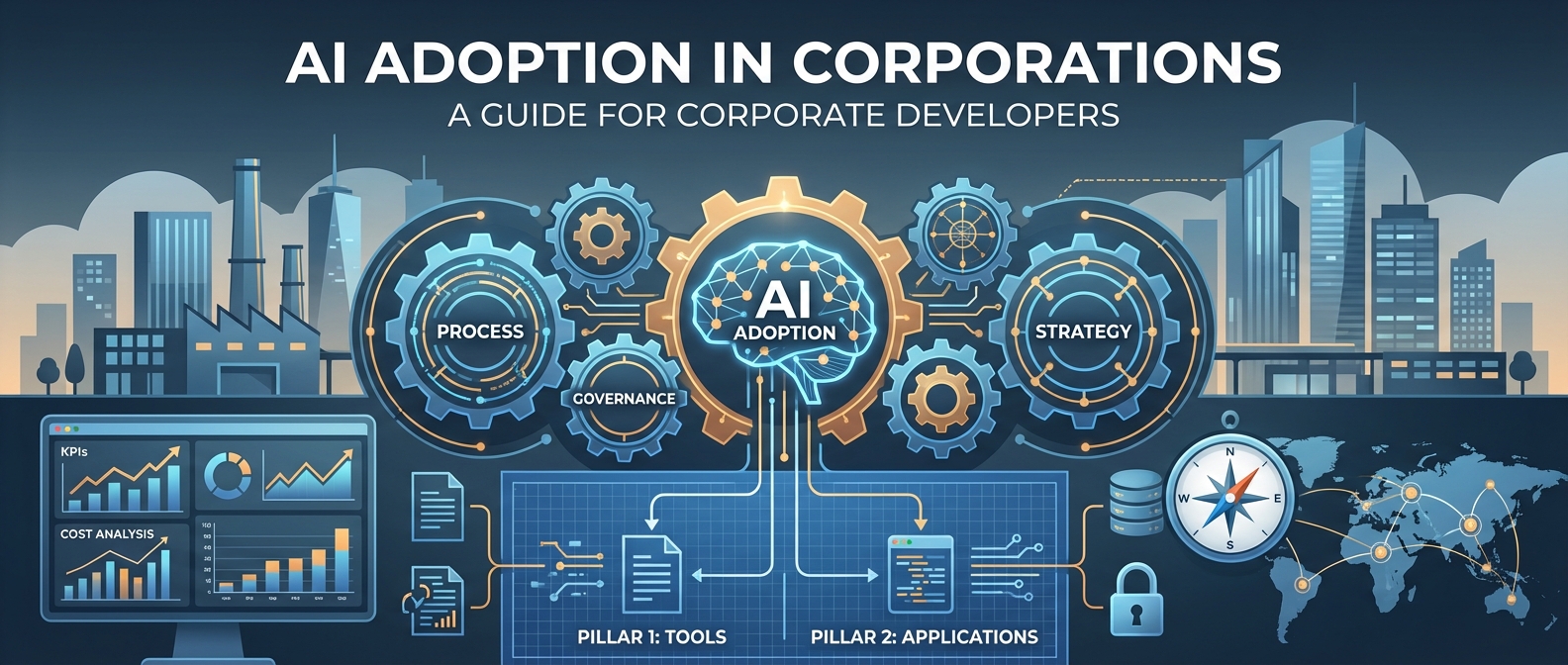
AI Introduction in Corporations: A Guide for Corporate Developers
If you’re reading this article, you’re probably in a similar situation to where I was a few years ago: You’ve been handed the “AI transformation,” you’re supposed to coordinate, structure, and ensure the whole thing doesn’t end in chaos. Welcome to the club.
The good news: There are proven patterns that work. The bad news: You’ll be fighting against a lot of resistance, unrealistic expectations, and the constant risk of ending up in an “AI zoo” of uncoordinated pilot projects.
This article is not a theoretical framework. It’s an experience report with concrete action recommendations for corporate developers who are supposed to coordinate AI implementations.
The Fundamental Problem: Processes Instead of Promises
The biggest trap in AI implementations is the assumption that technology alone creates transformation. Spoiler: It doesn’t.
History repeats itself. With the steam engine, with computers, now with AI. The Productivity Paradox strikes again: “You can see the computer age everywhere but in the productivity statistics” (Robert Solow, 1987).
Why? Because organizations use new tools to do old, inefficient processes faster. The result:
- Time savings are eaten up by “work about work” (more meetings, longer emails)
- Employees perceive AI output as “more work” instead of relief
- ROI remains invisible while license costs immediately hit the budget
The solution: Don’t treat AI as a software rollout, but as industrialization of knowledge work. That means: standardize processes, then apply AI.
Your Role as Coordinator: What You Really Need to Do
As a corporate developer in AI implementation, you’re not the “AI expert.” You’re the orchestrator between:
- Business requirements (which are often vague)
- Technical capabilities (which are overestimated)
- Governance necessities (which are underestimated)
- Change management (which is forgotten)
Your core tasks:
1. Expectation Management
What you’ll hear: “We need Copilot for everyone, then everything will be better!”
What you need to say: “Let’s first define what ‘better’ specifically means and how we’ll measure it.”
2. Creating Structure
Without clear structure, the “AI zoo” emerges: a collection of uncoordinated pilot projects that never reach production.
3. Sharpening the Business Case
Not every use case is worth pursuing. Your job is to set priorities based on cost and impact, not on “coolness.”
The 4-Step Framework for Coordinated AI Implementation
Here’s the framework that worked for me:
Step 1: Cost-Based Prioritization
Don’t start with:
- “What would be cool?”
- “What are competitors doing?”
- “What use cases do the tool vendors suggest?”
Instead: Look at the balance sheet. Use contribution margin accounting (CM I-IV) to find where money is actually being spent:
- CM I & II: Variable and product costs
- CM III & IV: Departmental and corporate overhead (this is where knowledge work sits)
Example: A 1% improvement in a high-cost production process can be more valuable than a 20% improvement in a small marketing budget.
Practical approach:
- List the top 10 cost positions
- Identify which are driven by knowledge work
- Prioritize use cases based on cost × automation potential
Step 2: Establish Hub-and-Spoke Governance
The eternal question: Central or decentralized?
Answer: Both.
The Hub-and-Spoke Model:
The Hub (Central):
- Sets governance standards
- Manages vendor relationships
- Ensures compliance (GDPR, AI Act, etc.)
- Monitors global KPIs
- Provides central tools (e.g., M365 Copilot)
The Spokes (Decentralized):
- Own specific use cases
- Understand local pain points
- Drive adoption in their areas
- Provide feedback to the hub
Why this works:
- The hub prevents the “AI zoo” through standards
- The spokes bring necessary domain expertise
- The spokes feel like owners, not recipients
Your job as coordinator: You’re the hub manager. You set the rules of the game, but you don’t force solutions.
Step 3: Implement Two-Pillar Strategy
Divide your AI strategy into two clearly separated workstreams:
Pillar 1: AI Tools (Horizontal)
What: Standardized “utility” tools for everyone Examples:
- Microsoft 365 Copilot
- GitHub Copilot
- Claude/ChatGPT Enterprise
Approach:
- Centrally provided
- Clear usage guidelines
- Self-service enablement
- Broad training
Measurement:
- Adoption rate (% active users)
- Usage frequency
- Satisfaction (NPS)
Pillar 2: AI Process Applications (Vertical)
What: Deep integrations into specific workflows Examples:
- AI-supported contract management (Legal)
- Tender AI (Sales)
- AI reporting automation (Finance)
Approach:
- Decentrally owned, centrally supported
- Custom logic & data integration
- Change management required
- Closely integrated with IT
Measurement:
- Process KPIs (e.g., cycle time)
- Cost reduction
- Quality improvement
Critical: Don’t mix these two pillars. They have different governance requirements, different stakeholders, and different success metrics.
Step 4: Build KPI System
“What gets measured gets managed.” Without metrics, you’re navigating in fog.
Use two types of KPIs:
Lagging KPIs (Result Indicators)
The final result, but you see it late:
- 15% reduction in operational costs
- 30% reduction in tender response time
- 20% increase in employee satisfaction
Leading KPIs (Early Indicators)
Show you early if you’re on the right track:
- % of service tickets processed with AI support
- % of contracts going through AI review
- Number of active use cases in production
- % of employees who completed AI training
Practical tip: Start with 2-3 leading KPIs per workstream. No more. You want clarity, not dashboard graveyards.
The Three Biggest Traps (and How to Avoid Them)
Trap 1: The “AI Zoo”
Symptoms:
- 20+ pilot projects running in parallel
- None reach production
- Each uses different tools, standards, data protection approaches
Solution:
- Maximum 5 strategic pilots simultaneously
- Clear “definition of done” for each pilot
- Mandatory scaling or termination after 3 months
Trap 2: “AI Theater”
Symptoms:
- Impressive demos for the board
- No real users in daily work
- Metrics that say nothing about ROI (“We generated 500 prompts!”)
Solution:
- Business case before every project
- Usage tracking from day 1
- “No adoption = no success” culture
Trap 3: The “Annoying Task Trap”
Symptoms:
- Use cases based on “What annoys people?”
- Small time savings on unimportant tasks
- High costs for low impact
Solution:
- Cost-impact matrix for all use cases
- “Cost-to-automate vs. cost-of-manual” calculation
- Focus on strategic bottlenecks, not annoying tasks
Trap 4: “Analysis Paralysis”
- “Over the shoulder” instead of just process maps
- Theoretical process documents don’t help
- Go out, watch people work, understand the real pain points
Concrete Workstreams You Should Set Up
Based on my experience, you should establish at least these workstreams:
1. Value Realization
Owner: Finance/Controlling partner Tasks:
- Develop business cases
- KPI tracking
- Reporting process
- Financing model (central vs. decentralized)
Why important: Without value realization, you can’t show that AI works. You need Finance as a partner, not as a gatekeeper.
2. Governance & Compliance
Owner: Legal/Data Protection partner Tasks:
- Vendor assessment
- Data protection framework
- AI ethics guidelines
- Risk management
Why important: A single GDPR violation can stop your entire AI initiative. Governance isn’t a blocker, it’s an enabler.
3. Culture & Communication
Owner: HR/Change Management partner Tasks:
- Skill development
- Change management
- Internal communication
- Success stories
Why important: The best technology fails due to poor adoption. People need to want AI, not just be able to use it.
4. Technology & Tools
Owner: IT/Enterprise Architecture partner Tasks:
- Tool evaluation and procurement
- Integration into existing IT landscape
- Security & infrastructure
- Technical support
Why important: Without IT partners, you won’t get a single tool into production.
What You Should Do in the First 90 Days
You’ve just been given the assignment to coordinate AI implementation. Here’s your 90-day plan:
Days 1-30: Setup & Discovery
- Stakeholder mapping (who are your hub partners?)
- Conduct cost analysis (where is money being spent?)
- Inventory existing AI initiatives (what’s already running?)
- Clarify governance requirements (GDPR, works council, etc.)
Days 31-60: Create Structure
- Set up hub-and-spoke model
- Select 3-5 strategic use cases
- Define KPI framework
- Establish reporting rhythm (monthly)
Days 61-90: Show First Successes
- At least 1 quick win in production
- Dashboard with leading KPIs live
- Steering committee established
- Communication campaign started
Tools That Will Help You
For prioritization:
- Cost-impact matrix (Excel is enough)
- Value vs. effort scoring
For governance:
- Use case & tool assessment templates
- Compliance checklist
For tracking:
- KPI dashboard (Power BI)
- Use case pipeline tracker
- Adoption metrics dashboard
For communication:
- Monthly AI newsletter (internal)
- Success story template
- AI FAQ for employees
In Closing: It’s a Marathon, Not a Sprint
AI implementation is not a 6-month initiative. It’s a multi-year transformation.
Your job as coordinator is not to do everything yourself. Your job is to:
- Create structure so others can succeed
- Make connections between technology, business, and people
- Maintain momentum, even when it gets difficult
The companies that successfully implement AI aren’t those with the best technology. They’re those with the best processes.
Industrialize knowledge work. The rest will follow.
About the author: This article is based on my experiences as a corporate developer coordinating a company-wide AI implementation. If you’re in a similar situation and want to exchange ideas, feel free to reach out.